Interface between R and Geodatabase(PostGIS)
Minimal data interactions
Everyone would want to minimize the hassle of handling data through various channels and lengthy processes; personally, it bothers me. Such an approach may include querying data from the database to our local working directory, then writing a code to import the same dataset to a working environment for further analysis.
However, the interface between R and databases provides a seamless way of storing and retrieving spatial data frames the same way we use dbWriteTable() and dbReadTable() calls when working with non-spatial data.
PostGIS extension
PostGIS is a PostgreSQL external extension that provides spatial objects, allowing storage and querying information about location and mapping. Both vector(points, lines, polygons) and raster data are supported in reading and write modes. In most cases, geospatial users will enable this extension when installing PostgreSQL. No worries if you skipped this step. You can write a simple query (CREATE EXTENSION postgis;) on PostgreSQL to allow this extension.
Required packages in R
Assuming that you have your SpatialPointDataFrame and SpatialPolygonDataFrame loaded in R, here are the packages necessary to connect to our database. If you don’t have the packages below, install them using install.packages().
#Packages to get started with database connection.
library(DBI)
library(rpostgis)
## Loading required package: RPostgreSQLlibrary(RPostgreSQL)Creating a database connection
Once the packages are loaded, configure a connection to a geodatabase in R. Note that I renamed my PostGIS database to spatial_projects hence the dbname as per the code below.
conn <- dbConnect(drv = “PostgreSQL”, host = “localhost”, dbname = “spatial_projects”, user = “postgres”, password = “******”)
Store SpatialPointDataFrame to PostGIS
For the relevance of this article, I will use a sample spatialpointDataFrame for soil properties named po and assign it a new name (po_data) which will be stored in the connected PostGIS(spatial_projects) database.
pgInsert(conn, “po_data”, po, new.id = “Id_1”)
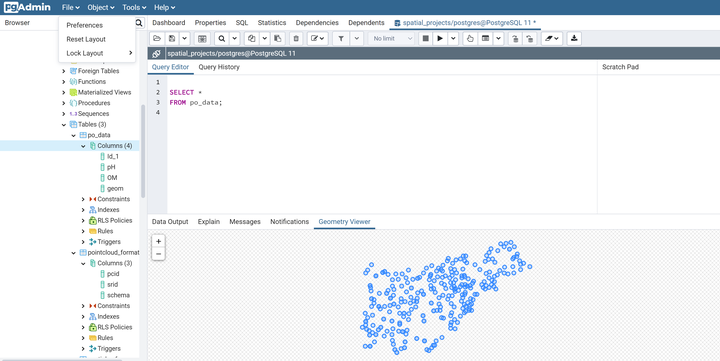
The figures below show a query result of the spatialpointDataFrame stored in the database.
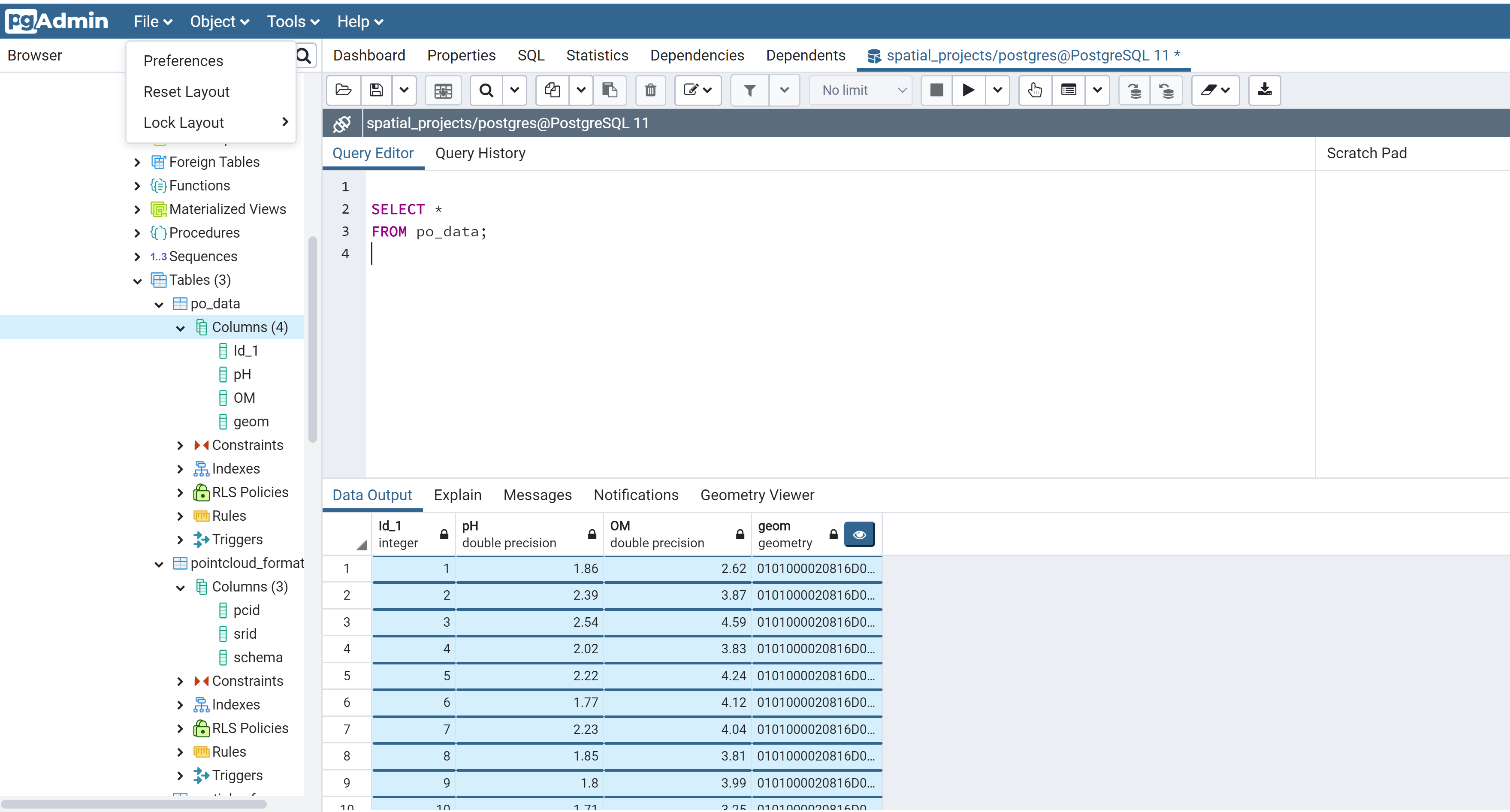
Figure 1: SpatialpointDataFrame in PostGIS
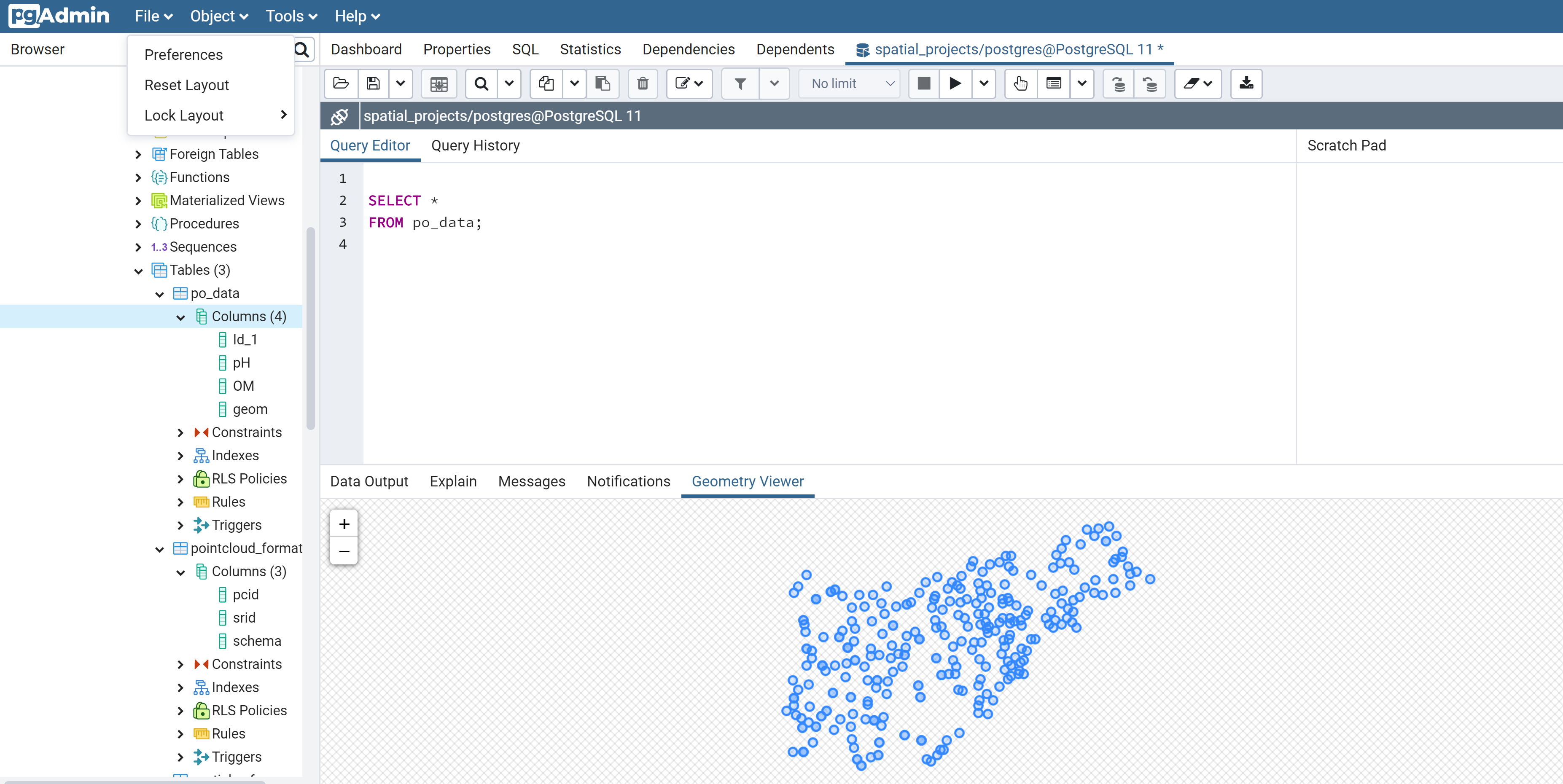
Figure 2: Geometry viewer
Retrieve Spatial Data From PostGIS to R
In cases where the data is stored in a geodatabase, you need to import it directly to R for spatial analysis. If the connection was altered, you might need to initiate a new database connection before writing this code;
db_data <- pgGetGeom(conn, “po_data”)
Happy coding!!😄 😄